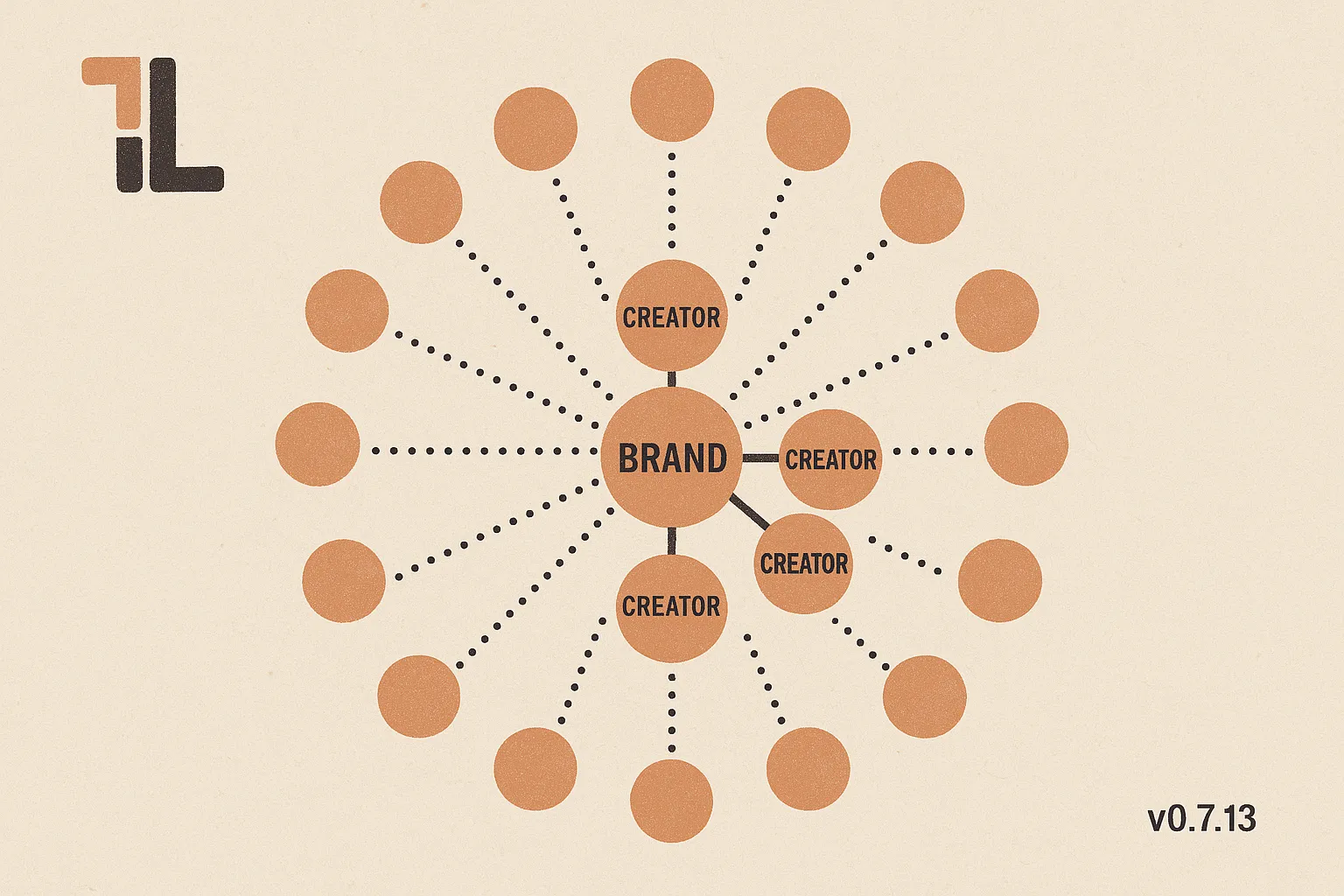
What's new in tl v0.7.13: brand-to-channel matching, end to end
Two new commands close the loop on one of the questions every brand researcher asks: which creators is this brand already in love with, and who looks like them? Plus a cleaner, simpler vocabulary for sponsorship statuses across the board.
A new release of the tl CLI is out today: v0.7.13. The headline is a pair of new commands that together close one of the most common loops in brand research — “which creators does this brand already keep coming back to, and who else looks like them?” As always, your AI agent — Claude Code, Gemini, Codex, or OpenCode — picks all of this up automatically.
Find a brand’s repeat partners
tl brands winner-channels is the new command for the question every account manager runs into a few times a week: which channels has this brand already chosen to work with more than once?
It surfaces a brand’s repeat-sponsored channels — the creators a brand has come back to for a second (or third, or tenth) round. Repeat sponsorships are an unusually strong signal: a brand only renews when the first run actually worked. That makes the winner-channels list a high-quality shortlist of who already converts for them.
What this unlocks, in the kind of conversation you’d have with your agent:
- “Pull the channels Liquid Death has repeat-sponsored. I want to see who their reliable partners are before our pitch.”
- “Which creators has this brand come back to more than once in the last year?”
- “Show me the repeat partners for our top five competitors in the energy-drink category — I’m looking for creators who already convert in this niche.”
The list itself is useful as a brief; even better, it becomes the seed for the next question.
…and the creators who look like them
That next question is “who else looks like these winners?” — and tl channels look-alike is now a first-class command for answering it.
Until today, look-alike was a hidden alias that quietly fell back to the generic channel-similarity engine. It’s now its own command that hits the audience-and-topic look-alike model — the one purpose-built for matching a creator’s reach and content profile to creators with comparable audiences. The generic feature-vector similarity (tl channels similar) is still there for when you want it; look-alike is the audience-matching cousin.
Put together with winner-channels, you can now run the full brand-to-channel matching methodology end to end through the CLI:
- Start with a brand. Pull its winner-channels — the creators it’s already chosen, twice.
- For each winner, pull the look-alikes — comparable creators by audience and topic.
- Deduplicate, filter for fit, and you have a fresh, evidence-backed shortlist to pitch.
In agent-speak:
- “For Athletic Greens, pull their winner-channels, then find look-alikes for each one. Give me a deduped shortlist of new candidates we haven’t pitched yet.”
- “Here’s the brand we’re pitching tomorrow — build the prospect list the methodology way: their repeat partners first, then look-alikes for each, then filter to creators in the wellness category with at least 100K subscribers.”
- “This brand has only three repeat partners on file. Pull look-alikes for those three so I can build a richer shortlist for the call.”
This is the same matching tradecraft we use internally, now wired up the whole way through.
A simpler vocabulary for sponsorship statuses
The other change worth flagging is how sponsorships now describe their stage in life. The legacy chain of open-stage statuses (preview, unavailable, pending, proposal-approved, outreach — five tokens for what was effectively the same “still open” state) has been folded into a single open status. The full surviving set is now compact and easy to keep in your head:
open— the deal is live; per-party approval fields (brand / channel / agency) tell you who has signed off and who hasn’t.matched— the new default for newly created sponsorships (replacing the oldproposed).sold— closed and won.deny,reject,rejected_agency— the various flavours of “not happening”.
A few practical consequences your agent will adapt to silently:
- New sponsorships created through the CLI now default to
matched(the oldproposedno longer exists). - The
proposalshortcut now filtersstatus:openand createsmatched— same intent, cleaner mechanism. - Pipeline and open-opportunity views across the docs and skills have been updated to match the new vocabulary, so questions like “what’s in the pipeline for this brand?” keep returning the right deals.
If you’ve never written status filters by hand, you won’t notice the change. If you have, the new vocabulary is faster to remember and easier to explain to a teammate.
Under-the-hood improvements
A handful of smaller items round out the release:
- A live read-only CLI integration test suite + GitHub Actions CI. Every day, a real run of the
tlbinary against the live API gets exercised end-to-end — so a regression that breaks the connection between the CLI and the backend gets caught the morning it happens, not the morning a customer reports it. - Cleaner agent guidance for custom data queries. A handful of search-and-SQL guardrails were tightened so your agent picks the fast, indexed path more often when answering analytical questions — especially case-insensitive name lookups and certain text searches.
Updating
Run tl update to pick all of this up — or just keep working, and the auto-updater will catch you up on your next command. tl changelog always shows the running log of what’s landed.
Happy hunting.