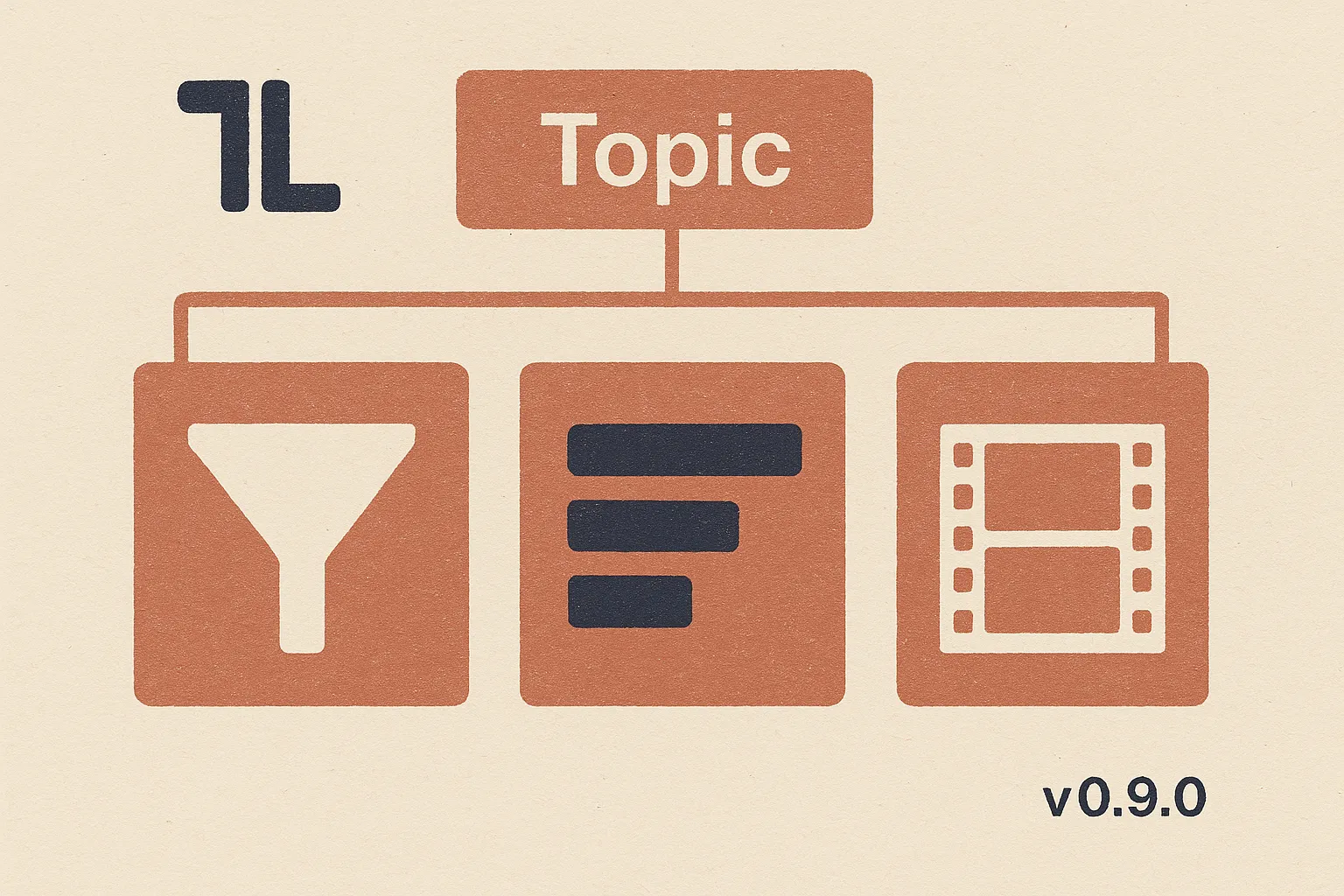
What's new in tl v0.9.0: keyword research hands you a validated filter, a channel roster, and trending videos
Ask your AI agent to research a topic — a niche, a trend, a category — and you now get back three things at once: a validated keyword filter you can save and reuse, a ranked shortlist of channels tiered by how much they actually cover it, and the trending videos on that topic sorted however you want. Plus a built-in help mode that costs nothing to ask.
A new release of the tl CLI is out today: v0.9.0. This is a big step forward for the tl-keyword-research skill — the one your AI agent reaches for whenever you ask a “who’s talking about X?” question. Instead of one answer shape that had to fit every kind of research request, the skill now hands you a proper research package: the filter it built, the channels it found, the videos on the topic, or any combination — you pick. As always, Claude Code, Gemini, Codex, and OpenCode pick everything up automatically the next time you run tl update.
The skill now delivers what a real research pass produces
If you’ve used tl-keyword-research over the last few weeks, you know how it works: you name a topic, your agent expands it into candidate keywords, probes each one against our data, and refines a boolean filter over several rounds until it’s confident it captures what you actually meant.
What was missing was the deliverable. v0.9.0 fixes that. A research run now produces both halves of what a real research pass produces:
- A validated keyword-group filter set — the reusable, saveable expression the agent built for you, plus a clickable report link so you can jump straight into the app and browse the results in the UI.
- The results the filter selects — either the channels that cover the topic (with sponsorability flags), the videos on the topic (sortable by date, views, prevalence), or both.
The filter set isn’t a byproduct anymore — it’s the primary artifact. Save it, hand it to a colleague, drop it into a saved report, come back to it in three months. The clickable report link goes to the app with all the right keywords already wired up, no copy-paste required.
In agent-speak, the kind of research request you’d normally chase across three tools now lands as a single deliverable:
- “Find channels that cover home cooking with a healthy-eating angle — I want to sponsor them next quarter.”
- “What’s trending on ‘ozempic’ this month across the health & wellness creators? Give me the top uploads by views.”
- “Build me a saved-report filter for ‘AI productivity tools’ — I want the recurring shortlist plus the reusable filter, so my team can rerun it.”
Channels are tiered now, not a yes/no
Here’s the change that changes the game for niche topics. Before v0.9.0, a channel was either “about the topic” or it wasn’t. That’s fine when you’re researching finance channels — plenty of channels are wholly about finance. It’s useless when you’re researching Cannes Lions coverage or labubu unboxings or any topic that no single channel is entirely dedicated to.
v0.9.0 replaces the binary with a four-tier classification that captures a channel’s actual relationship to the topic:
- Core — the topic is the channel’s whole identity. If you want the topic front and centre, this is your list.
- Recurring — the channel covers the topic regularly, but it’s not the whole channel. This is often where the real sponsorship market lives for niche topics, because it’s a much larger pool than the core tier.
- Occasional — the topic shows up now and then. Useful for breadth checks.
- One-off — a single upload on the topic. Filed for completeness, usually skipped.
For niche topics where “channels entirely about it” would return an empty or almost-empty list, the recurring tier is now presented as the real sponsorship opportunity — instead of padding a near-empty identity list, your agent tells you honestly “nobody’s making a whole channel about this, but here’s a solid roster of creators who cover it regularly.”
Live check while we built this: a run on Cannes Lions surfaces the festival’s own channel at 88% topic share as the core, an MSN member channel also in the core tier, and a handful of marketing-industry channels (Brand Innovators and friends) in the recurring tier — exactly the shape you’d want for an ad-industry-adjacent sponsorship push.
Agent prompts that make use of the tiering:
- “Give me the recurring-coverage channels for ‘padel’ — I don’t need channels 100% about the sport, I need the creators who mention it monthly.”
- “Show me the core tier for ‘Formula 1 highlights’, then the recurring tier for ‘motorsport commentary’ — I want to compare sponsorship pools.”
- “For ‘plant-based cooking’, tier every channel by intensity. If there’s no strong core tier, that’s the answer — tell me the recurring tier is the real market.”
You pick the shape of the deliverable, up front
The skill used to guess whether you wanted channels or videos or both, and it used to guess whether you wanted a quick pass or the deep refinement loop. It guessed wrong often enough that we made the choice explicit.
Now, whenever you (or your agent) start a keyword research run without saying which you want, the skill asks — once, up front, in a single combined question:
- Deliverable: trend data at the video/upload level? Channel targets? Or both?
- Path: quick single validated pass, or deep ≥3-round refinement?
It also tells you the rough credit cost of each choice, so nobody’s flying blind. If you already know what you want, say so in the prompt and the skill honours it without asking. If you want the fully automatic version, --auto (or “autonomous” in your prompt) means deep refinement + both deliverables, no pauses.
Two shapes worth calling out:
- Trend data at the video level — the “trend journalism” use case. You want the videos that cover a topic, sortable by date or views, with a prevalence count telling you how much the creator ecosystem is talking about it right now. Great for content strategists, PR teams, and anyone who wants to know what’s hot this week.
- Channel targets with tiering — the sponsorship / business-development use case. You want a roster of channels to approach, tiered by how deeply they cover the topic.
Some example prompts that lean into the new explicit choice:
- “Do a quick keyword pass on ‘AI coding assistants’ — just channels, don’t refine, I need a rough shortlist in five minutes.”
- “Deep research on ‘longevity supplements’ — both deliverables, take your time, refine as many rounds as you need.”
- “Give me the top 50 recent uploads on ‘Warhammer painting’ sorted by views — I don’t need channel targets, just the trending videos.”
- “Autonomous run on ‘crypto wallets’ — pick the best filter and materialize both channels and videos, no check-in needed.”
Built-in help mode — costs zero credits
New in v0.9.0: your agent can now ask tl-keyword-research how it works, and it’ll explain itself for free. No queries run, no credits spent — just a straight-up answer pulled from the skill’s own user guide.
Trigger phrases include “help”, “how does this work”, “what are my options”, “describe this skill”, and any obvious variation. The response covers what the skill does, the deliverables, quick vs deep, the full flow, a plain-words table of every option you can set, and example prompts.
Practical: mid-run option questions (“wait, what does ‘include shorts’ actually mean?”) now get the same free-of-charge treatment, then the run resumes where it left off.
- “Explain how tl-keyword-research works before I burn any credits — what do I actually get out of it?”
- “What are my options for filtering — title-only, include shorts, newest first? Walk me through them.”
- “Before we start: quick or deep? What’s the credit difference?”
Report links that actually work
Small but real: the clickable report links the skill hands you now round-trip cleanly. The keyword groups the skill built are translated into the app’s link keyword grammar (uppercase AND/OR/NOT, parens, quoted atoms), and the translation is round-trip verified and click-tested. When you follow the link, the filter you get in the app is exactly the filter the skill validated.
If you save the report from the app after arriving, it now saves in the shape the app expects — a bug that used to strand carefully-built filters on the way from research to report is fixed.
Under the hood — quality passes and test coverage
For the technically curious: the release includes a four-finding review pass with 10 new pinning tests to prevent regressions on the trickier parts of the filter-building logic (verdict-file merging, per-group pruning scopes, boolean expression translation). The full test suite is 326 tests green on Python 3.12 through 3.14.
Also folded in: v0.8.1’s repeated-query billing warning and the raw-db error hints for renamed fields, so if you skipped the v0.8.1 upgrade last week, this catches you up on those too.
Updating
Run tl update to pick it all up — or just keep working, and the auto-updater will catch you up on your next command. tl changelog shows the running log of what’s landed.
If you have a keyword research question you’ve been sitting on, this is the release to ask it.